

Claude Code New Features: MCP Tool Search & Checkpoints (2026)

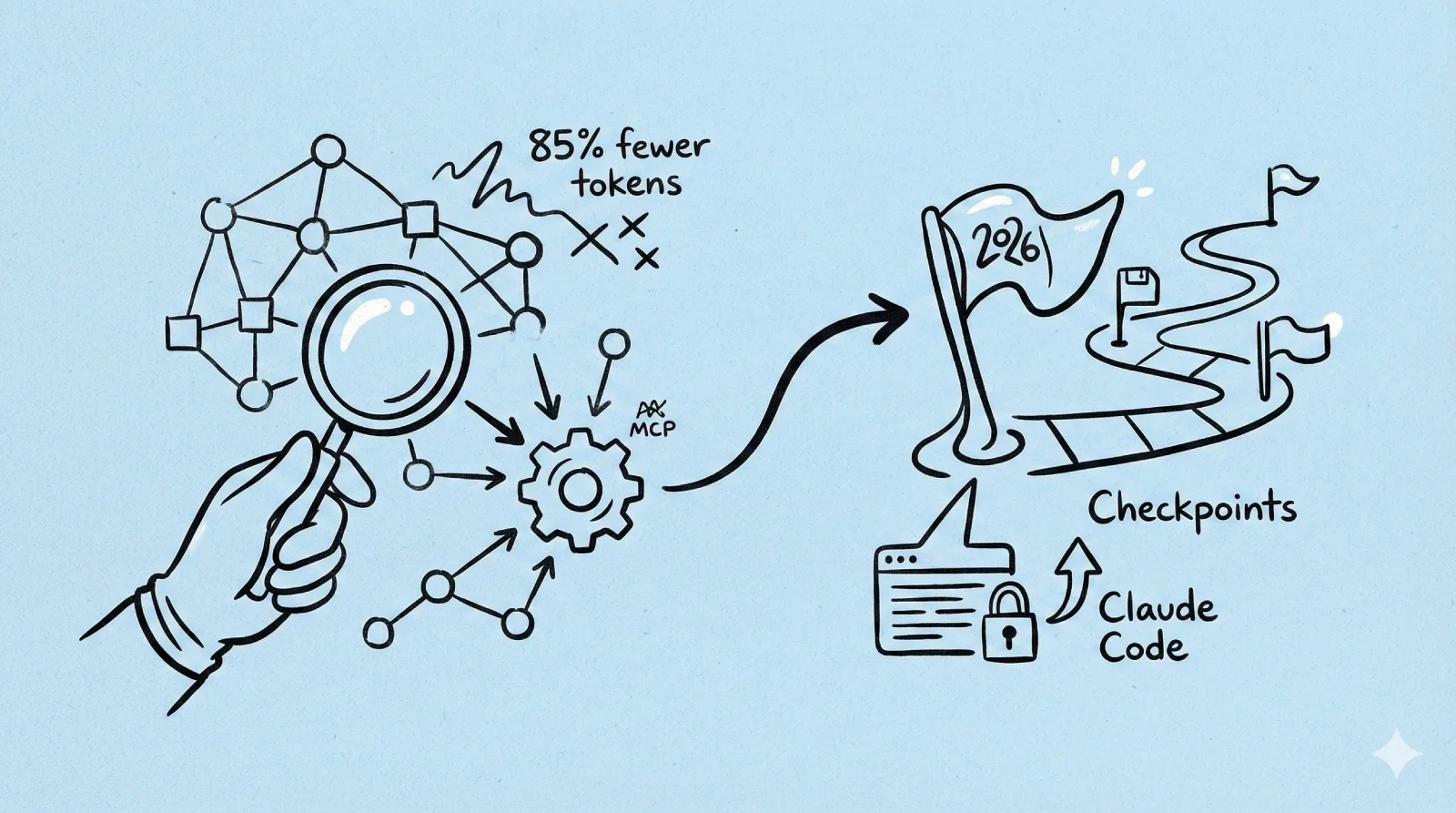
Anthropic shipped MCP Tool Search (85% fewer tokens) and Checkpoints for Claude Code. Here's what developers need to know about the January 2026 update.
Claude Code New Features: MCP Tool Search & Checkpoints Arrive
If you've been watching your Claude Code token bills climb, Anthropic just shipped a fix you've been waiting for. The company rolled out MCP Tool Search this week, a "lazy loading" system that cuts tool-related token consumption by up to 95%.
Combined with the previously announced Checkpoints feature and native VS Code extension, Claude Code is positioning itself as the autonomous development environment to beat in 2026.
Quick Take
MCP Tool Search fixes the "startup tax" problem where Claude Code was loading tool definitions for 50+ tools at once—sometimes eating 67,000+ tokens before you even typed a prompt. Now it dynamically fetches only the tools you actually need.
Checkpoints lets you rewind your code state instantly (tap Esc twice or use /rewind), so you can experiment fearlessly without git fatigue.
What it means: You get more context for actual work, better instruction following, and the ability to plug in way more tools without lobotomizing the model.
The Context Problem Nobody Talked About
Here's the deal: the Model Context Protocol (MCP) is brilliant—it connects AI models to external tools like GitHub, file systems, and APIs. But there was a catch.
Every time you started a session, Claude Code would "read" the documentation for every available tool. Even tools you'd never use in that session.
Thariq Shihipar from Anthropic's team put it plainly: users were running setups with 7+ servers consuming 67,000+ tokens of context. A single Docker MCP server alone could eat 125,000 tokens just defining its 135 tools.
On a 200,000 token context window, that's over 60% gone before you type a single character.
This forced a brutal tradeoff: limit yourself to 2-3 core tools, or watch half your context budget disappear.
How MCP Tool Search Works
The solution is elegant. When tool descriptions would exceed 10% of your available context, Claude Code switches strategies:
- Instead of dumping raw documentation into the prompt, it loads a lightweight search index
- When you ask for something specific—"deploy this container"—it queries the index
- Only the relevant tool definition gets pulled into context
Internal testing shows token consumption dropping from ~134k to ~5k. That's 85% savings while maintaining full tool access.
Why This Actually Matters for Accuracy
Here's something nobody expected: removing the noise actually improves performance.
LLMs struggle with "distraction." When the context window is stuffed with thousands of lines of irrelevant tool definitions, reasoning suffers. The model can't tell the difference between notification-send-user and notification-send-channel when everything is noise.
The data backs this up:
- Opus 4 accuracy: Jumped from 49% to 74% on MCP evaluations
- Opus 4.5 accuracy: Improved from 79.5% to 88.1%
By clearing the clutter, the model's attention mechanisms focus on your actual query and the tools you're actually using.
Checkpoints: Experiment Without Fear
Also shipping is the Checkpoints feature, which automatically saves your code state before each change.
When you want to revert, tap Esc twice or use /rewind. You can choose to restore:
- Just the code
- Just the conversation
- Both
This is especially powerful when combined with:
- Subagents — delegate specialized tasks in parallel (frontend + backend simultaneously)
- Hooks — trigger actions automatically (run tests after code changes)
- Background tasks — keep dev servers running without blocking other work
Checkpoints apply to Claude's edits, not yours. The team still recommends using git, but this gives you a safety net for those "what if I try this completely different approach?" moments.
What This Means for the Ecosystem
For you as a user, this update is seamless—Claude Code just feels smarter and retains more memory of your conversation.
But for the ecosystem, it removes the "soft cap" on how capable an agent can be. Previously, developers had to carefully curate toolsets to avoid overwhelming the model. Now, an agent can theoretically have access to thousands of tools without paying a penalty until they're actually used.
As Boris Cherny, Head of Claude Code, put it: "Every Claude Code user just got way more context, better instruction following, and the ability to plug in even more tools."
Looking Ahead
This update signals something bigger: AI agents are maturing from novelties to serious software platforms requiring architectural discipline. The "lazy loading" approach is standard practice in web dev—VSCode doesn't load every extension at startup, and JetBrains doesn't inject every plugin's docs into memory.
By adopting these principles, Anthropic is acknowledging that AI development tools deserve the same engineering rigor as any other complex software.
Action Items
If you're already using Claude Code:
- Update your installation to get Tool Search automatically
- Try the new Checkpoints feature with
/rewindor double-Esc - Consider adding MCP servers you previously avoided due to context concerns
If you're building MCP clients:
- Implement the
ToolSearchToolto support dynamic loading - The
server instructionsfield is now critical—it's the metadata that helps Claude know when to search for your tools
If you're evaluating AI coding assistants: This update narrows the gap. Claude Code's combination of context efficiency, checkpoint safety nets, and VS Code integration makes it worth another look if you'd written it off previously.
Frequently Asked Questions
Is this related to the o4 model?
No, this is about Claude Code's features, not model releases. O3 and O4-Mini are separate OpenAI model announcements.
When was this released?
January 2026 according to the article date. Tool Search was announced this week alongside Checkpoints.
Does this affect the VS Code extension?
Yes — the native VS Code extension was mentioned alongside these features, making the integration even tighter.
Will this reduce my token costs?
Yes, if you use many MCP tools. The 85% reduction in tool-related tokens can make a significant difference in complex setups.